BROWSER USE

- Browser Use Agents: give Browser Use a task and receive completed work. API V4 is current for new integrations.
- Browser Infrastructure: connect your agent or automation to managed browsers through SDK, REST, or CDP. Starts at $0.02/browser-hour.
- Developer tools: Open Source, Browser Harness, SDK, and MCP support the two products above.

[Developer Index](https://browser-use.com/index.md)
[Product Map](https://browser-use.com/llms.txt)
[Full Product Context](https://browser-use.com/llms-full.txt)
[Pricing](https://browser-use.com/pricing.md)
[Cloud Docs](https://docs.browser-use.com/cloud/quickstart)
[Open Source Docs](https://docs.browser-use.com/open-source/introduction)

---

# Browser Use Boilerplate

> Start automating browser tasks in seconds.

---

### Overview 

This template serves as the **quickest way** to get started with Browser Use. Grab
an [API Key](https://cloud.browser-use.com/#settings/api-keys), draft a prompt, and automate away!

### Quickstart


uvx browser-use init --template default


### Requirements

You'll need one API Key:
- **Browser Use**


### Sample Use Cases for Inspiration

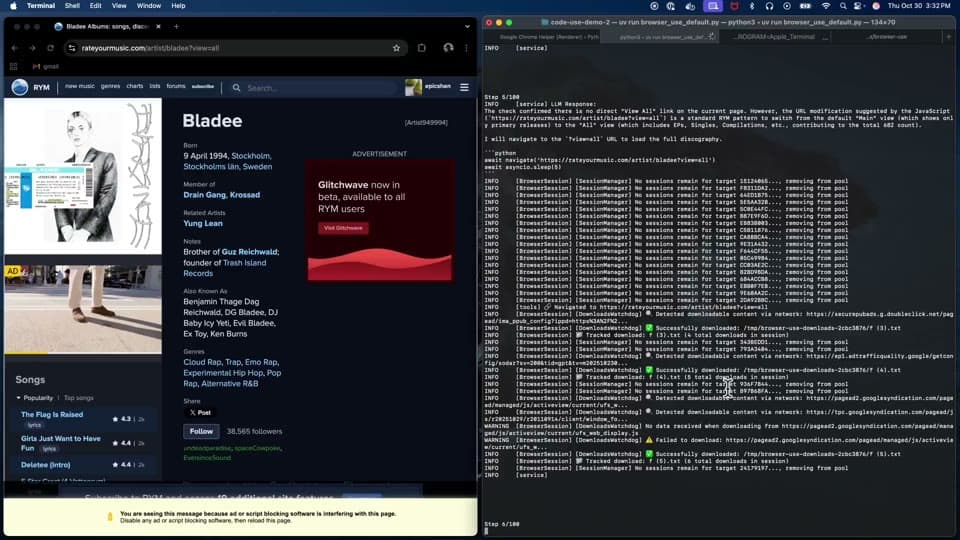
With a simple prompt, scraping tasks are easily automated. For instance, 
at Browser Use, we have an agent scrape Twitter to find our follower count each week to update 
this website. Some other ideas that can be done with just a prompt include:
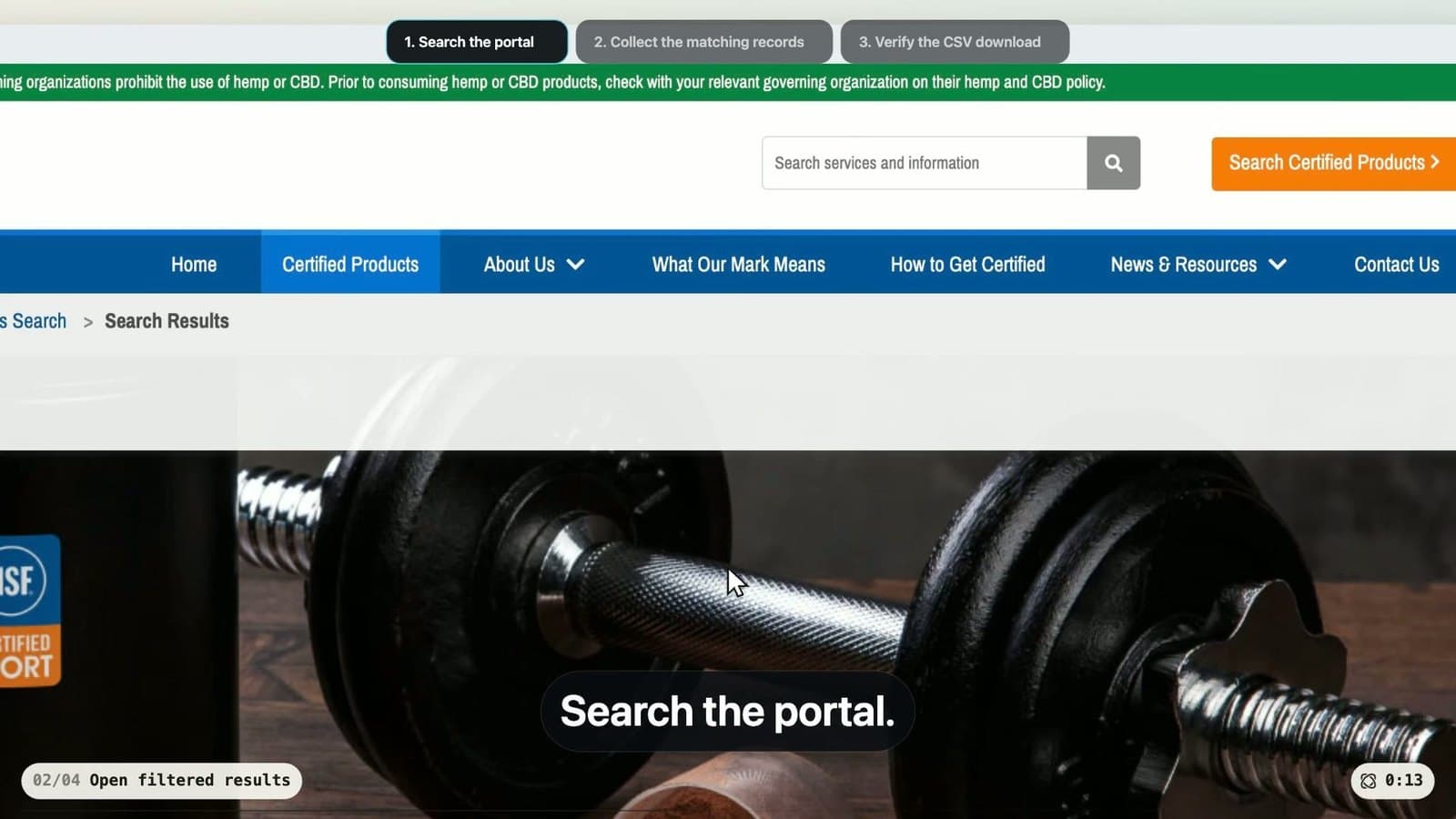
- news scraping
- company analysis
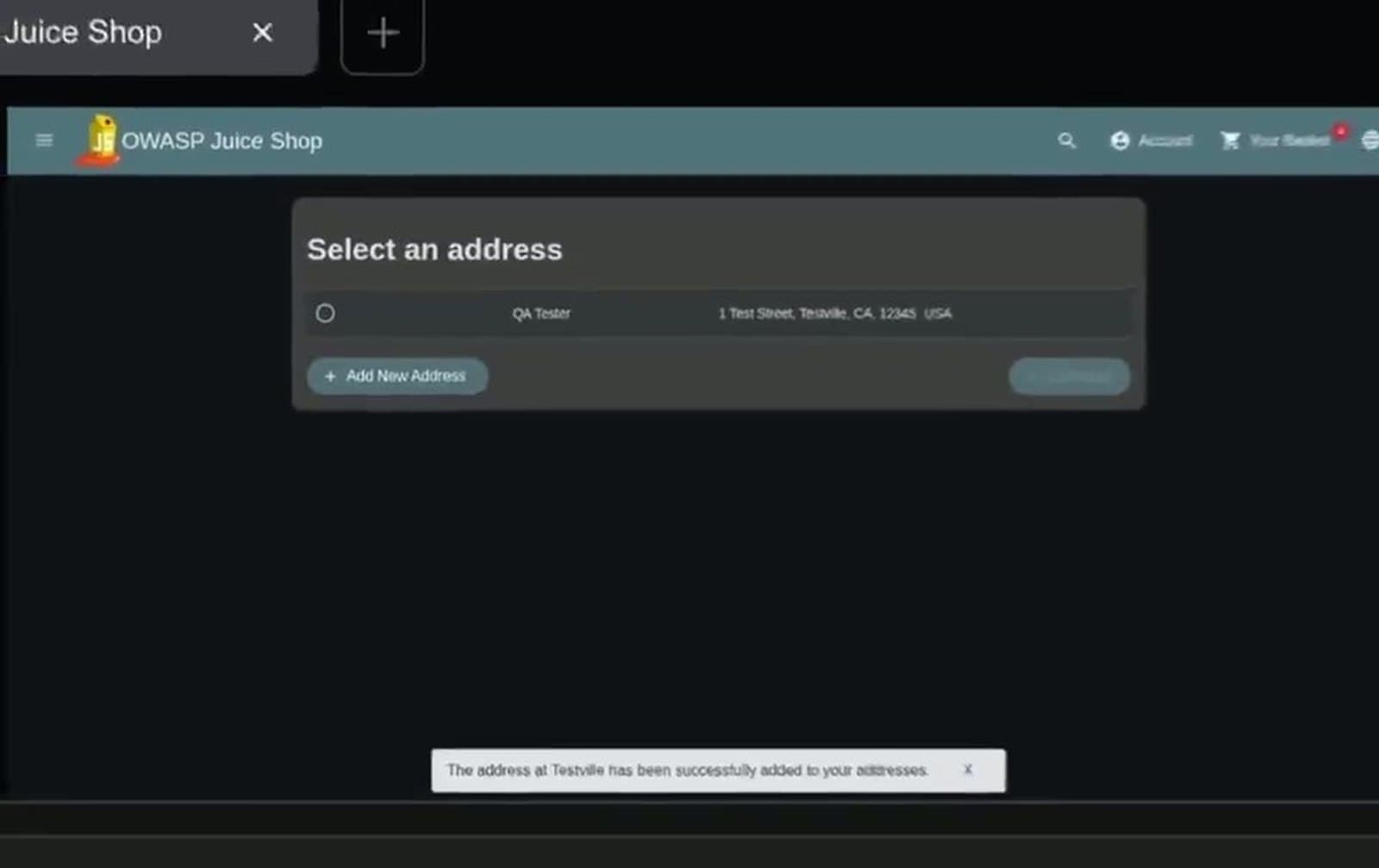
- QA testing 

Tasks that require **personal information** can be achieved using [ profiles](https://docs.browser-use.com/cloud/guides/authentication). This opens possibilities for tasks like:
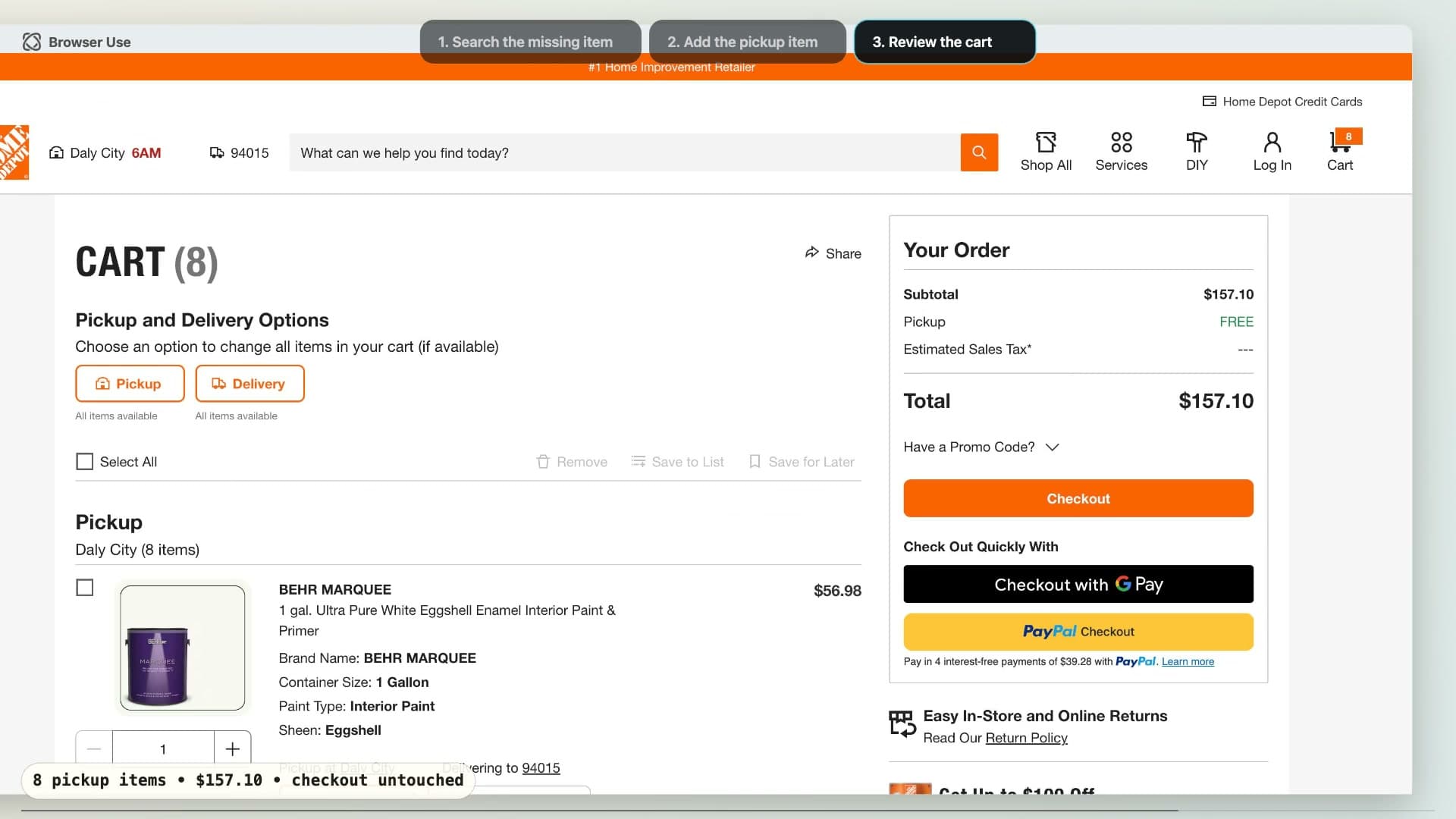
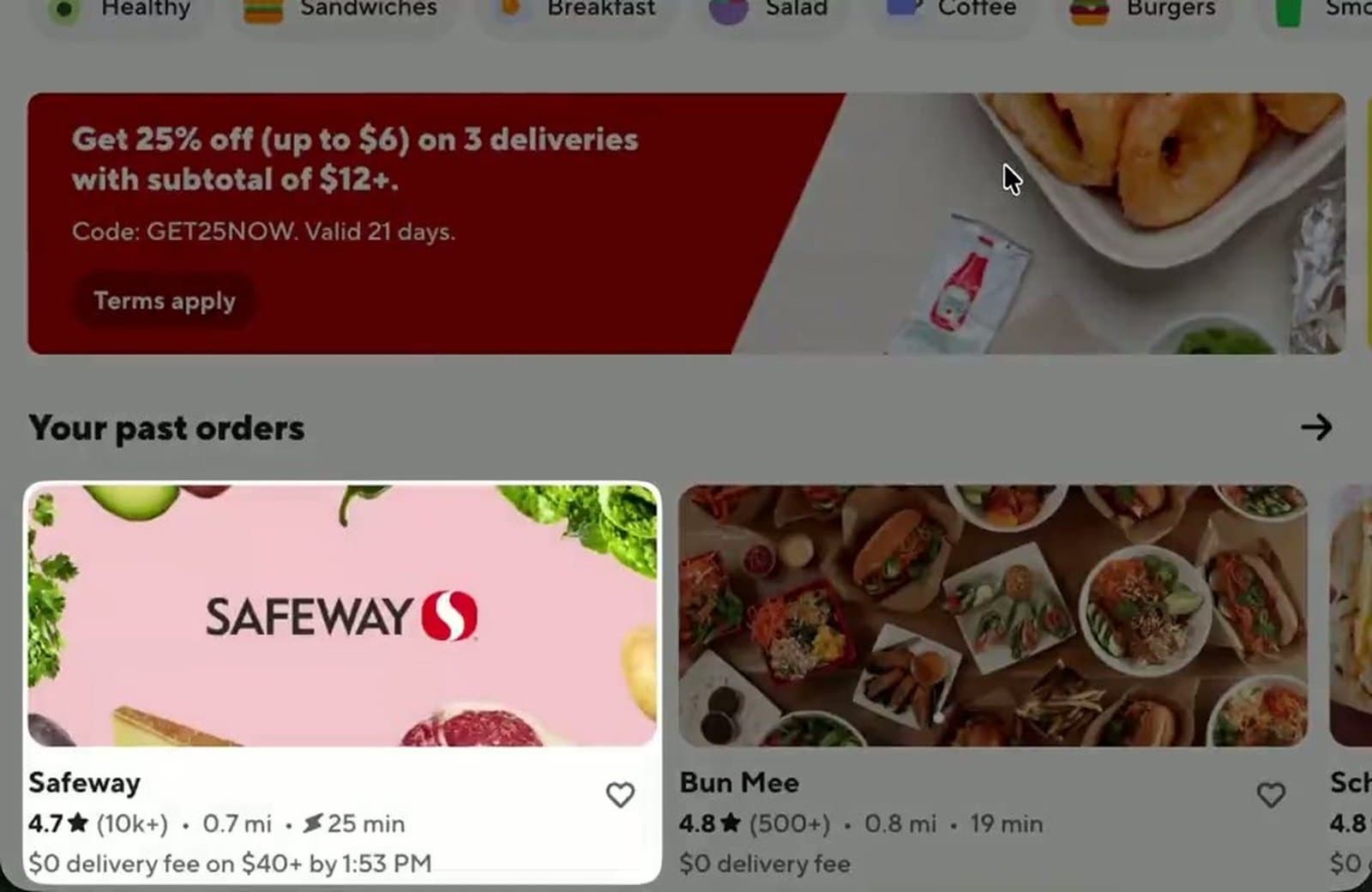
- purchasing groceries
- posting on social media platforms 
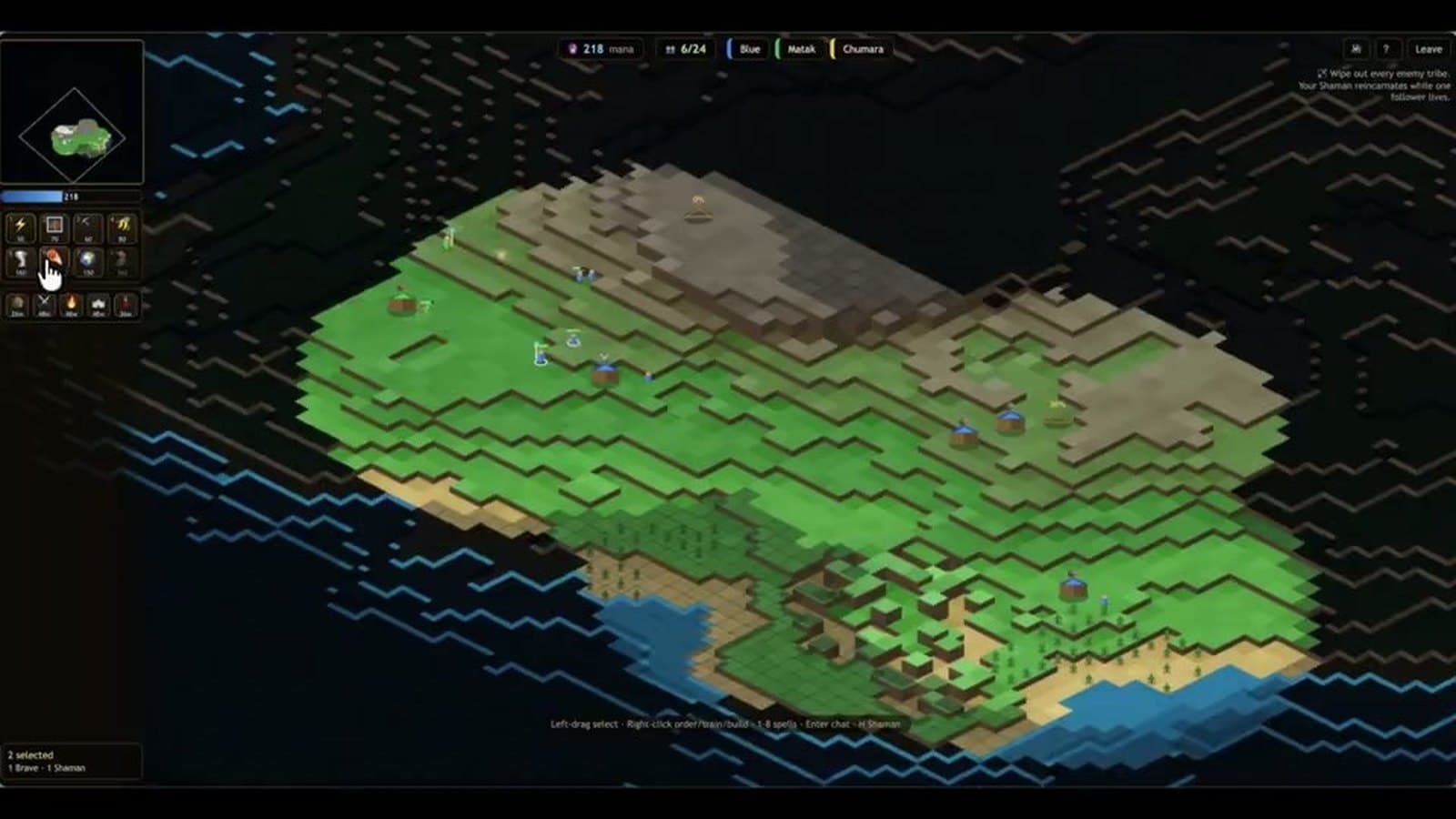
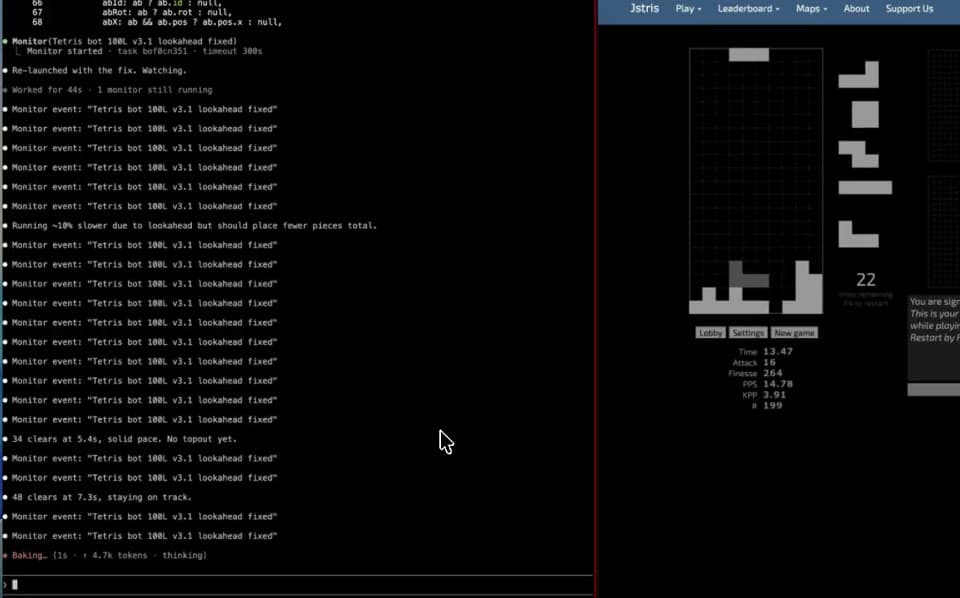
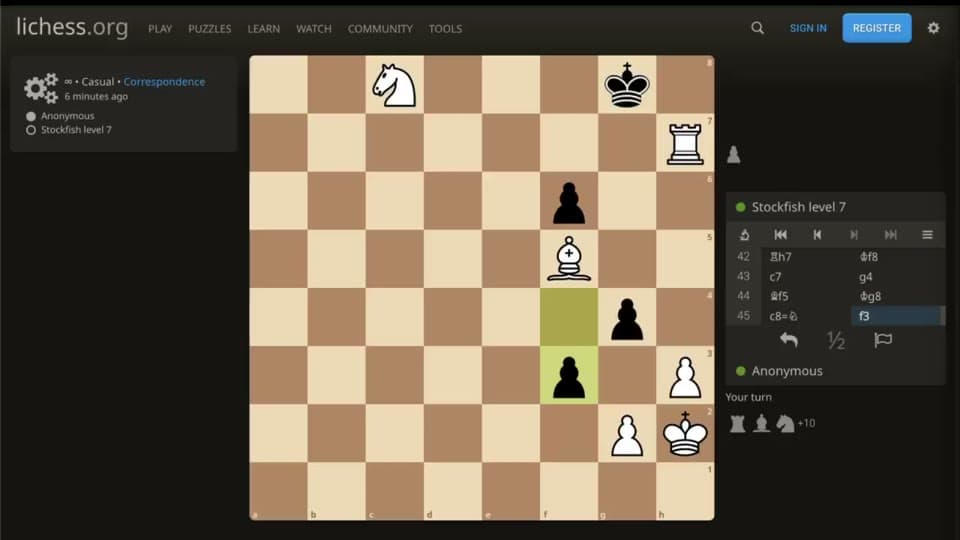
- playing poker via Browser Use agent (not recommended).

Want more agent and browser configuration settings? Check out the [advanced template](https://browser-use.com/templates/advanced).